Reference
Easy
Restaurant Admin (Owner) · Manager · Cashier · Waiter · Kitchen Staff
Updated September 2026
Order statuses, explained
New, Accepted, Preparing, Ready, Served, Closed — plus Cancelled and Rejected. What each status means and who moves it.
The statuses
| Status | Badge | Meaning | Moved by |
|---|---|---|---|
placed | New | Placed, awaiting acceptance — a QR order is a *request* until accepted | Guest / cashier (till sale) |
accepted | Accepted | Sent to the kitchen; KOT printed | Cashier / manager / owner |
preparing | Preparing | Kitchen started the ticket | KDS (Start) |
ready | Ready | All live items ready at the pass | KDS (Ready) |
served | Served | At the table | Waiter / cashier / manager / owner |
closed | Closed | Bill settled | Settlement |
cancelled | Cancelled | Voided after acceptance | Owner / manager / cashier |
rejected | Rejected | Declined before the kitchen fired it (reason recorded, guest sees it) | Owner / manager / cashier |
Note
An order can only move along these paths — the server refuses illegal jumps, which is why the UI never shows a "make it paid" or "make it served" shortcut for states that did not happen.
Item statuses on the KDS
Each item on a ticket has its own status: Queued → Cooking → Ready (or Served / Cancelled). The order becomes Ready when all its live items are ready.
Where to see them
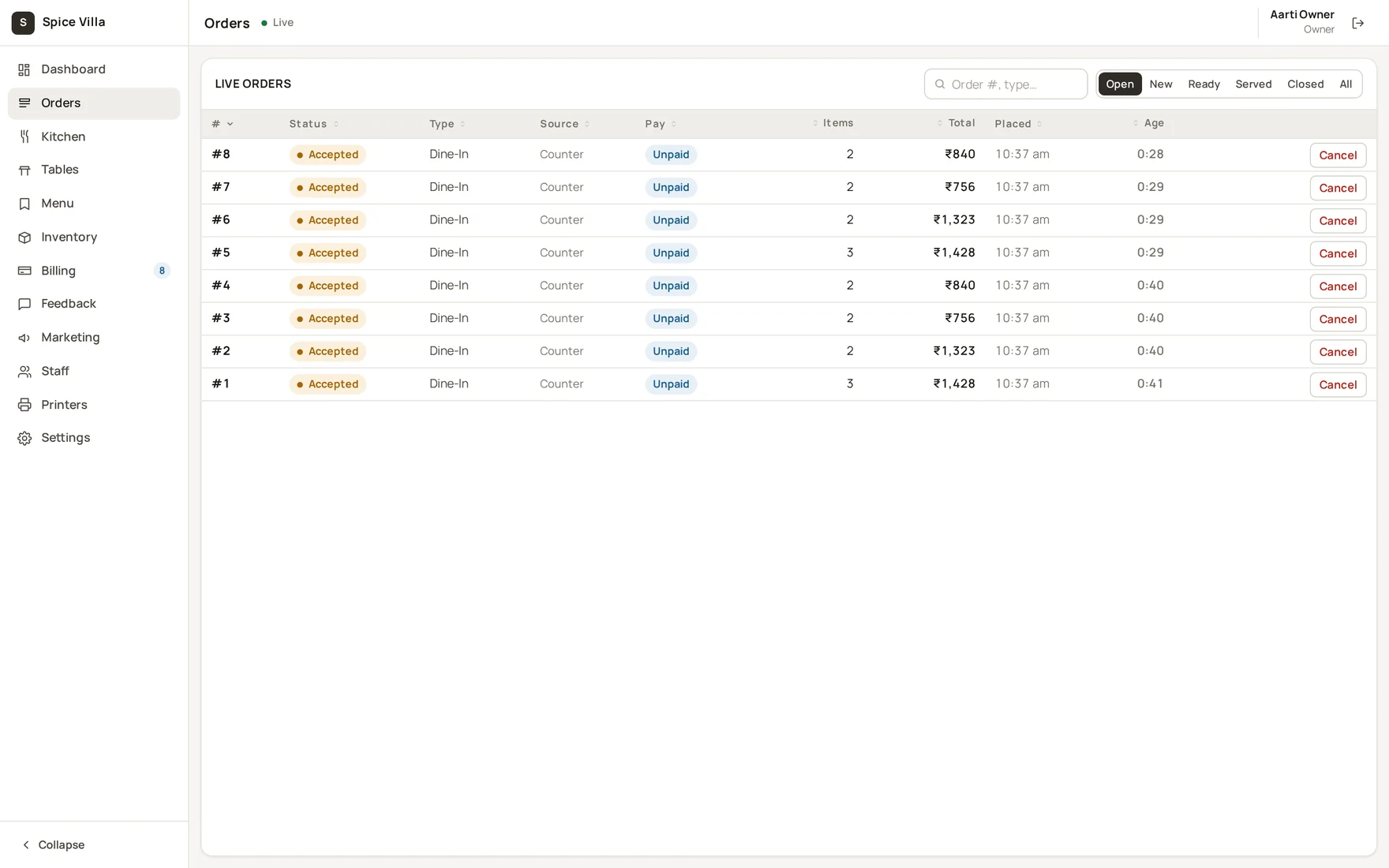
- Admin console → Orders — filters: Open, New, Ready, Served, Closed, All.
- Counter POS — the collect queue shows kitchen status next to each bill.
- Guest tracking page — the same statuses, in guest language.
Was this helpful?