The guest journey, screen by screen
What your guests see from scan to payment — useful when answering "how do I order?" at a table.
1 · The menu
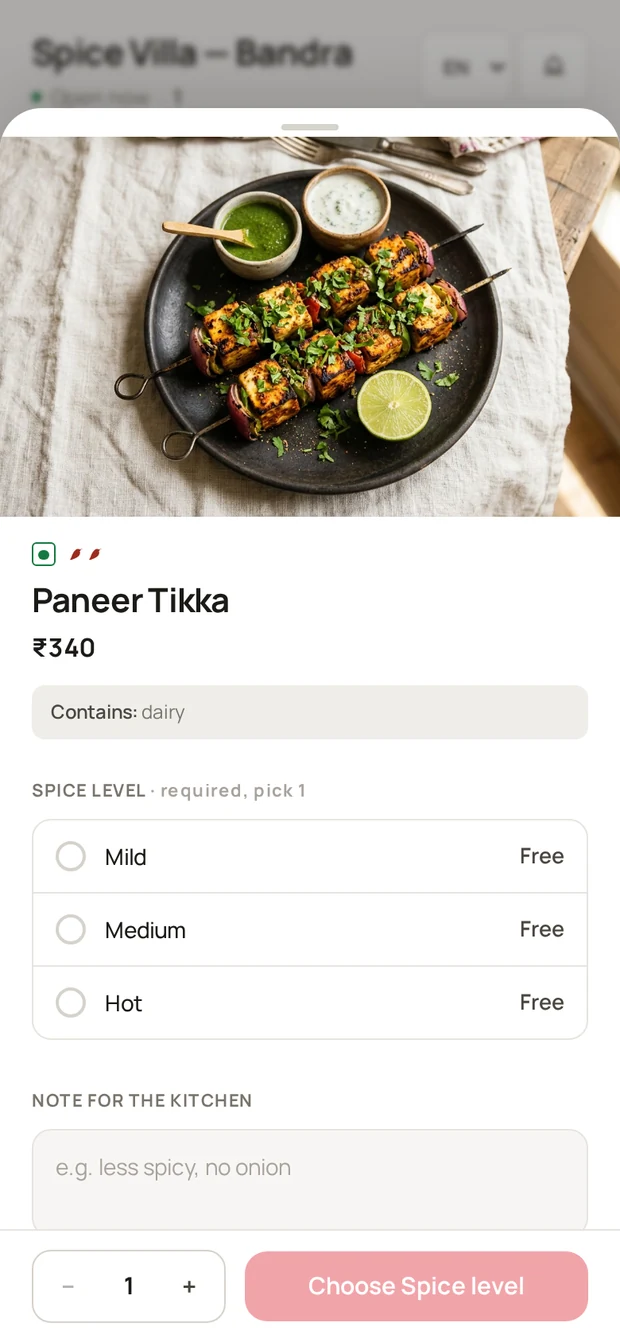
Opens with the restaurant name and table, category rail, photos, veg/non-veg marks. Tapping an item opens its sheet: description, variants, add-on groups, notes.
2 · Cart and checkout
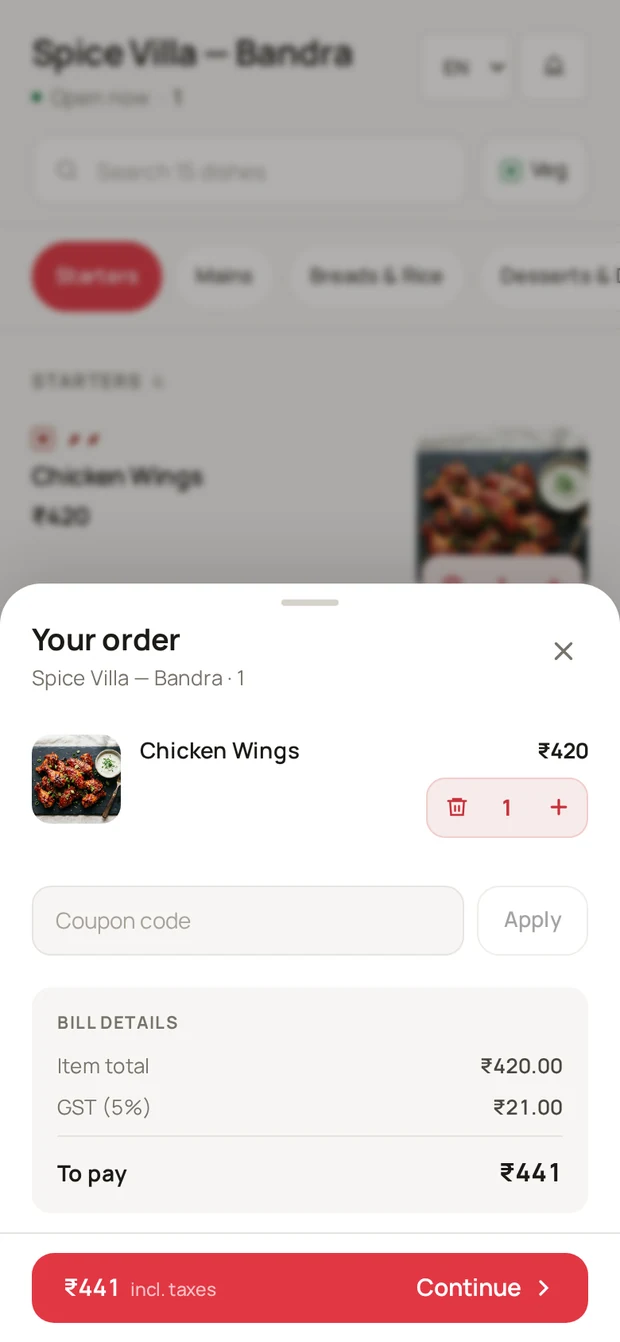
The cart lives in a bottom sheet; it shows live totals including GST and any coupon. Placing the order shows a confirmation — and, if paying online, the payment step ("Order placed — payment pending" until the payment completes).
3 · Tracking and paying
The order page tracks the order live (New → Accepted → Preparing → Ready → Served) and shows the bill. If the restaurant takes online payments, a Pay now button settles the outstanding amount; otherwise the badge reads Pay at counter and the guest settles with the cashier like any other bill.
4 · Service and feedback
- Service buttons — Call a server, Request the bill, water (see Service requests).
- Rate your meal — after the order is served, guests can leave a rating that lands on your Feedback page (Guest feedback).
Was this helpful?