Guide
Easy
Cashier · Restaurant Admin (Owner) · Manager
Updated September 2026
Take a payment at the till
Cash, UPI, card or wallet — the payment keypad, tendering, split payment and change due.
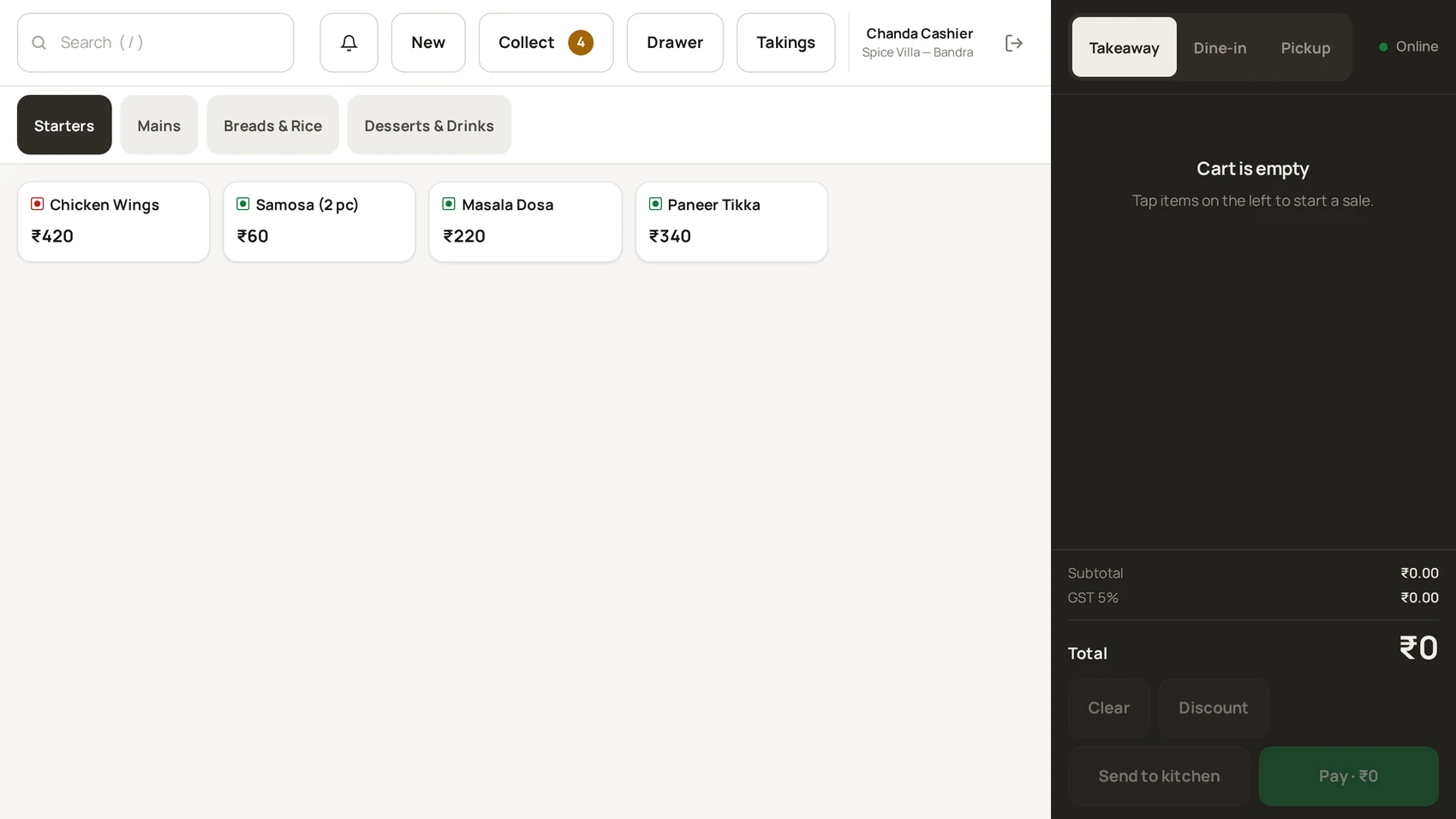
The payment sheet
The layout is fixed on purpose: the keypad never moves, the amount due sits top-right in the largest type on screen, and the confirm button is the only green element. You should be able to take cash without looking down.
Take the money
- Choose the method: Cash, UPI, Card or Wallet.
- Cash: type what you received — the quick-cash buttons suggest common notes. Over-tender is fine; change due shows enormous after you confirm.
- UPI / Card / Wallet: these settle the exact amount due — take the payment on your terminal/QR, then confirm on the sheet.
- Split across methods (part cash, part UPI)? Add each tender one after another until the bill is settled.
- Press the green button — "Complete sale" for a counter sale, "Record payment" when collecting an open bill.
If the recording fails
If you see "The payment could not be recorded", do not take a second payment yet — follow Payment failed first. Cash sales entered while the connection was down are saved on the device and sync automatically ("Cash sale saved offline · it will sync automatically").
Was this helpful?