Guide
Easy
Restaurant Admin (Owner) · Manager · Cashier
Updated September 2026
The dashboard and your numbers
What the admin dashboard shows, who sees it, and how cashiers' view differs.
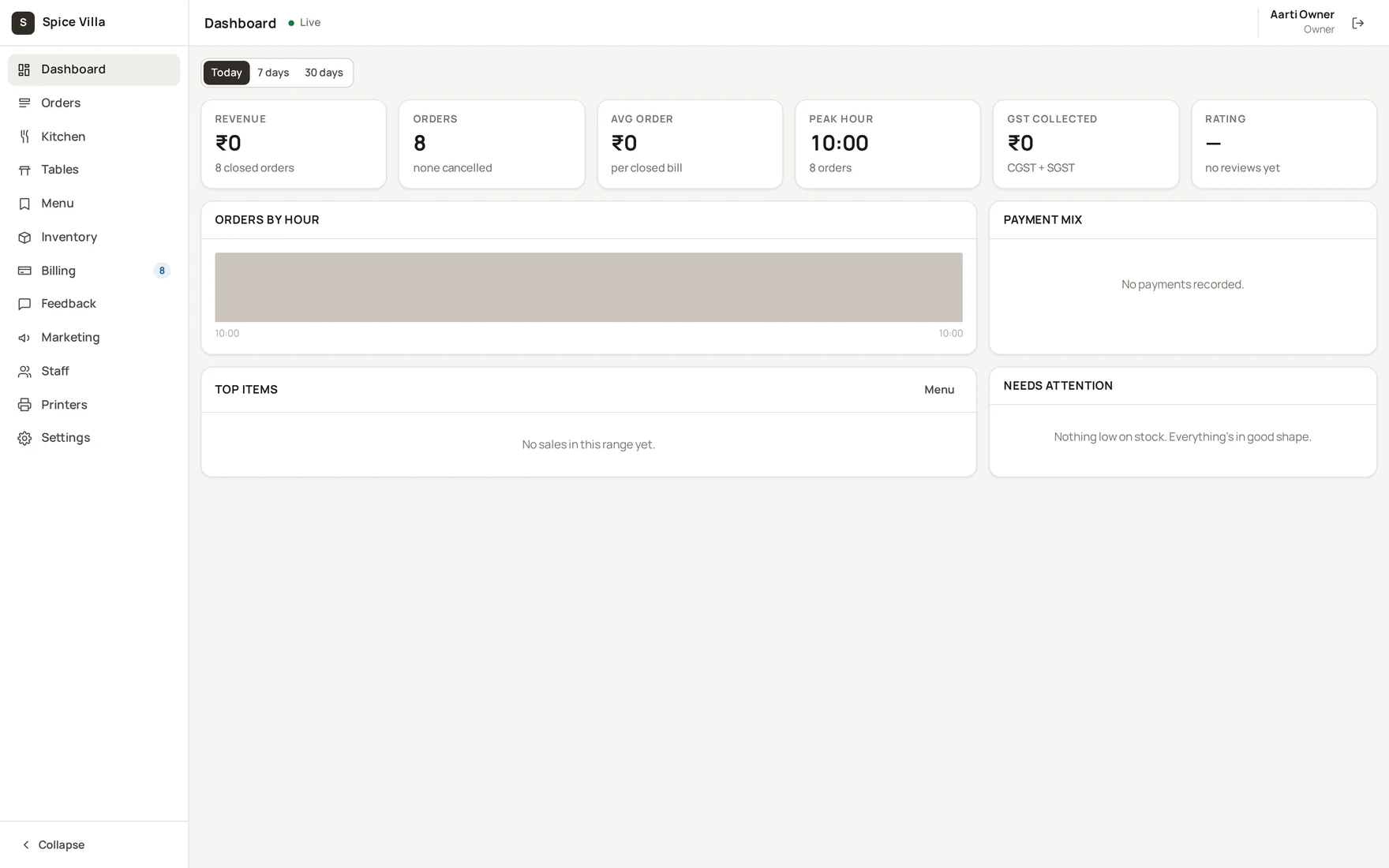
What you get
- Headline numbers — sales, average order, GST collected.
- Orders by hour — when your service actually peaks.
- Payment mix — cash vs UPI vs card vs wallet.
- Top items — what is selling, with margin where food cost is filled in.
- Needs attention — the day's exceptions in one card.
Who sees what
The dashboard needs the reports permission. Owners and managers see the outlet's numbers; a cashier's reports cover their own shifts — enforced in the service, not just hidden in the UI. Waiters and kitchen accounts do not get the dashboard.
Scope
Everything is scoped to the outlet selected in the top bar — multi-outlet restaurants switch there first. For settlement-grade numbers (per method, refunds, net), use Billing → Shift close-out (Shift close-out).
Was this helpful?