Guide
Easy
Restaurant Admin (Owner) · Manager · Cashier
Updated September 2026
Create tables
Add tables in bulk with areas and seat counts — each table gets a permanent QR token.
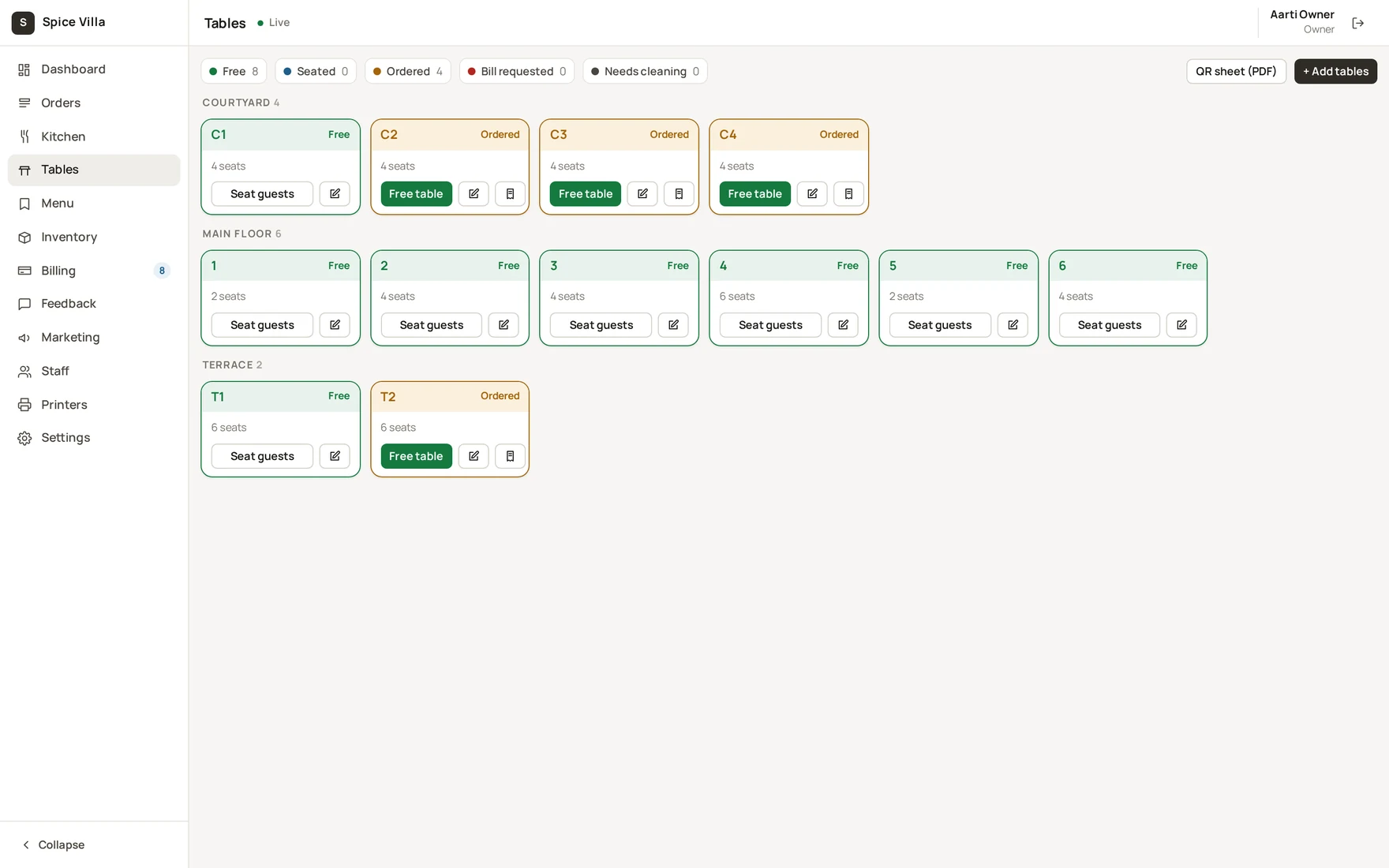
Add tables
- Admin console → Tables →
+ Add tables. - For a run of similar tables use the bulk fields: prefix and count (e.g. prefix
T, count10creates T1…T10). - Set the area (e.g. "Courtyard") and seats per table.
- Save — the toast confirms: "Tables created — download the QR sheet to print".
Note
Every table gets a permanent QR token at creation. Editing a table's name, area or seats does not change its QR code — printed codes keep working.
Organise by area
The board groups tables by area ("Main floor" if you leave it blank). Areas make the floor plan readable at a glance and make the QR sheet easy to sort when you print it.
Was this helpful?