Guide
Easy
Restaurant Admin (Owner) · Manager
Updated September 2026
Add a menu item
Create menu items with price, category, diet mark, photo, variants and add-ons from the admin console.
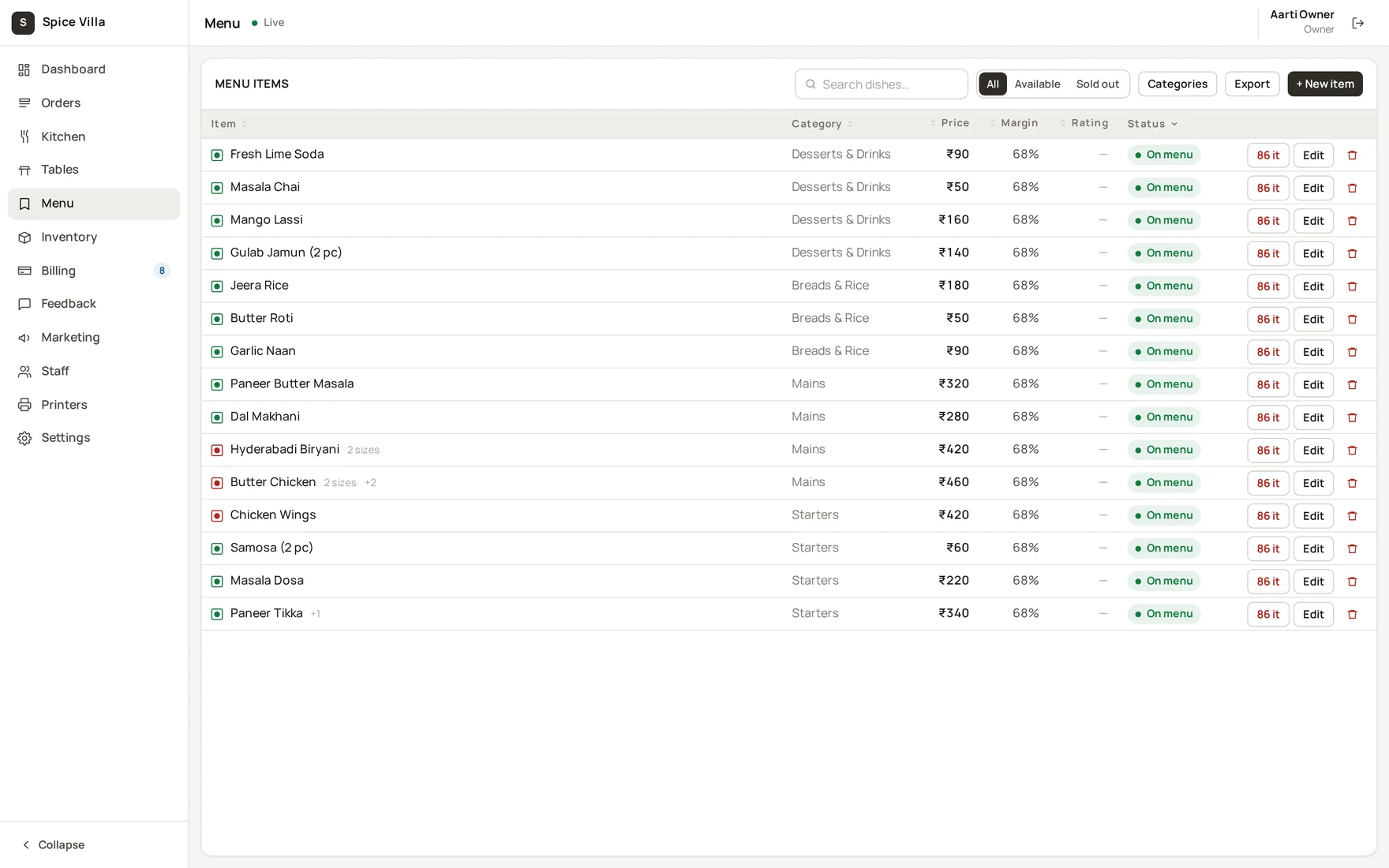
Create the item
- Admin console → Menu →
+ Item. - Fill in Name, Category, Price (and Food cost if you want margin tracking — the margin column computes itself).
- Set Diet (veg / non-veg — shown as the FSSAI marks on the guest menu), description, photo URL, allergens, spice level and tags as needed.
- Pick the Kitchen station — this is where the item's ticket routes on the KDS (see Kitchen display).
- Save. The item is live on the guest menu immediately (if Visible on the guest menu is on).
Tip
Prices are entered in rupees; internally everything is stored in paise, so bill totals never drift by rounding.
Edit or hide an item
- Click a row to edit it. Turning off Visible on the guest menu hides it without deleting it.
- Use 86 it for "gone for today" — see Marking an item sold out.